 Delimixx
A CSV editor that leaves your files as they are.
Open a CSV or TSV file, save it without editing, and get the same bytes back (with the default save settings). Encoding, line endings and the final newline stay as they were. Colors and column widths are kept in a separate file, never inside your data.
Windows 11 (64-bit). No account. Free goes online only when you ask it to.
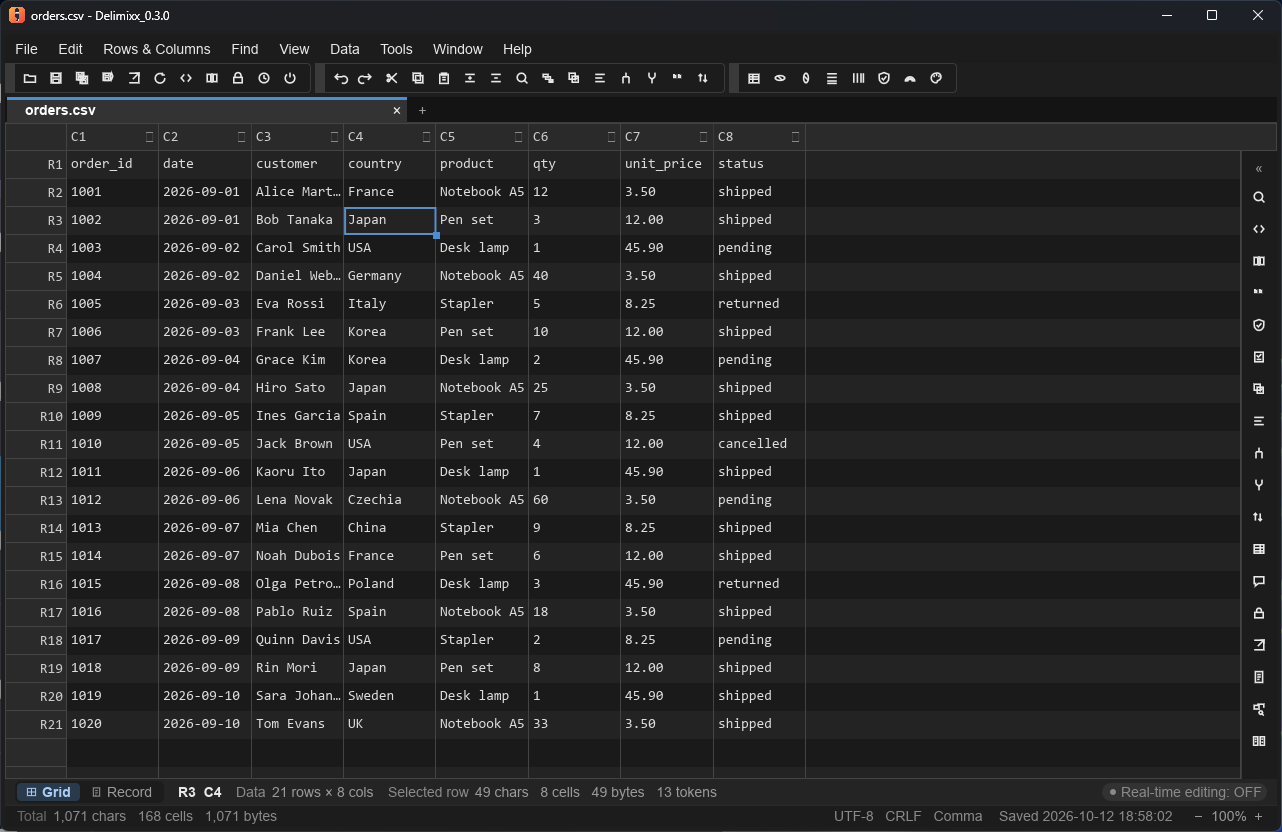
What it does
Spreadsheet programs are built for calculating, not for keeping a file as it is. Leading zeros disappear, long numbers are rounded to fewer digits, codes turn into dates, and the encoding may change on save. Delimixx is built to avoid all of that.
The same bytes back
If you open a file and save it without editing, it is written back byte for byte (with the default save settings, and the file's encoding, delimiter, BOM and line endings unchanged). After an edit, the encoding, BOM, line endings and final newline are kept.
Values stay text
Delimixx does not convert types. 00123, 1E5 and phone numbers stay exactly as written.
Formatting stays out of your CSV
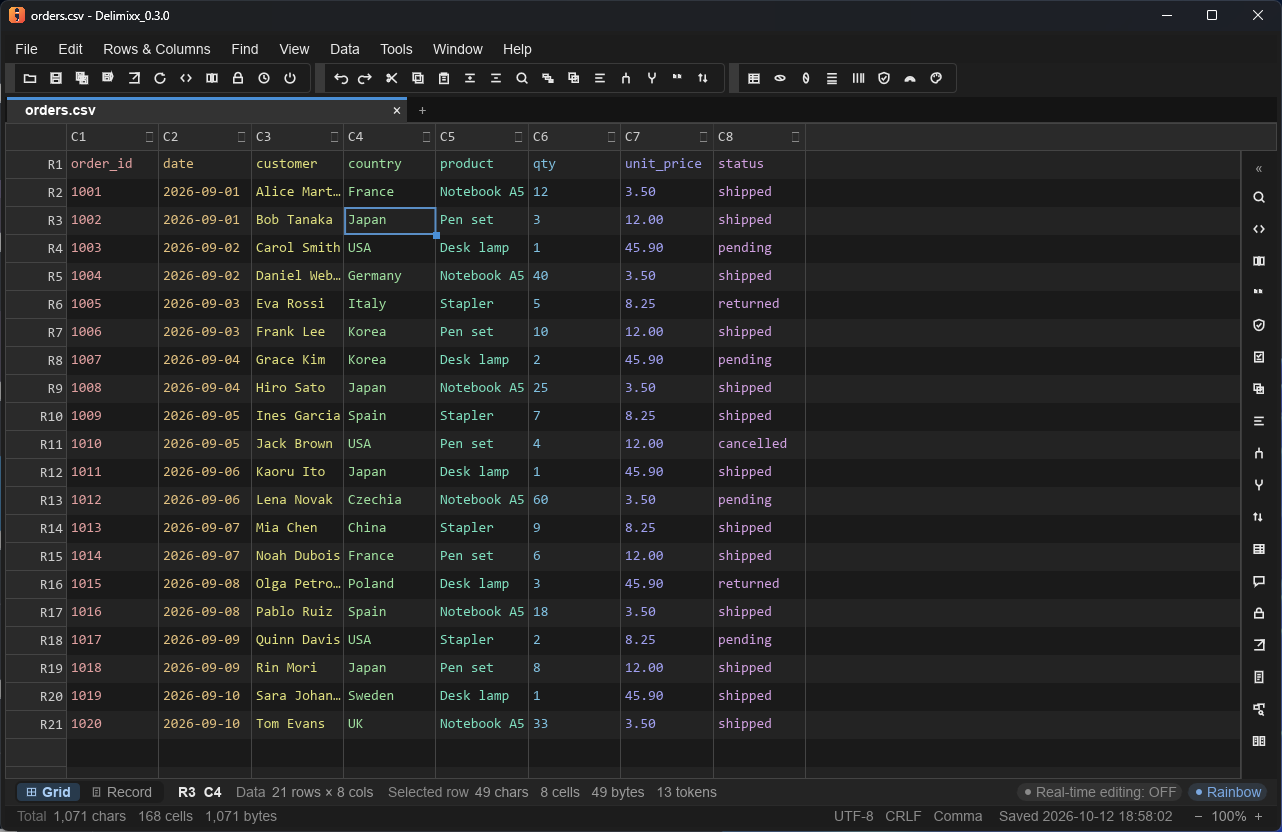
Colors, column widths and hidden columns are saved next to the file in a small sidecar file (.cvdeco). Your CSV holds only your data.
Encodings that work
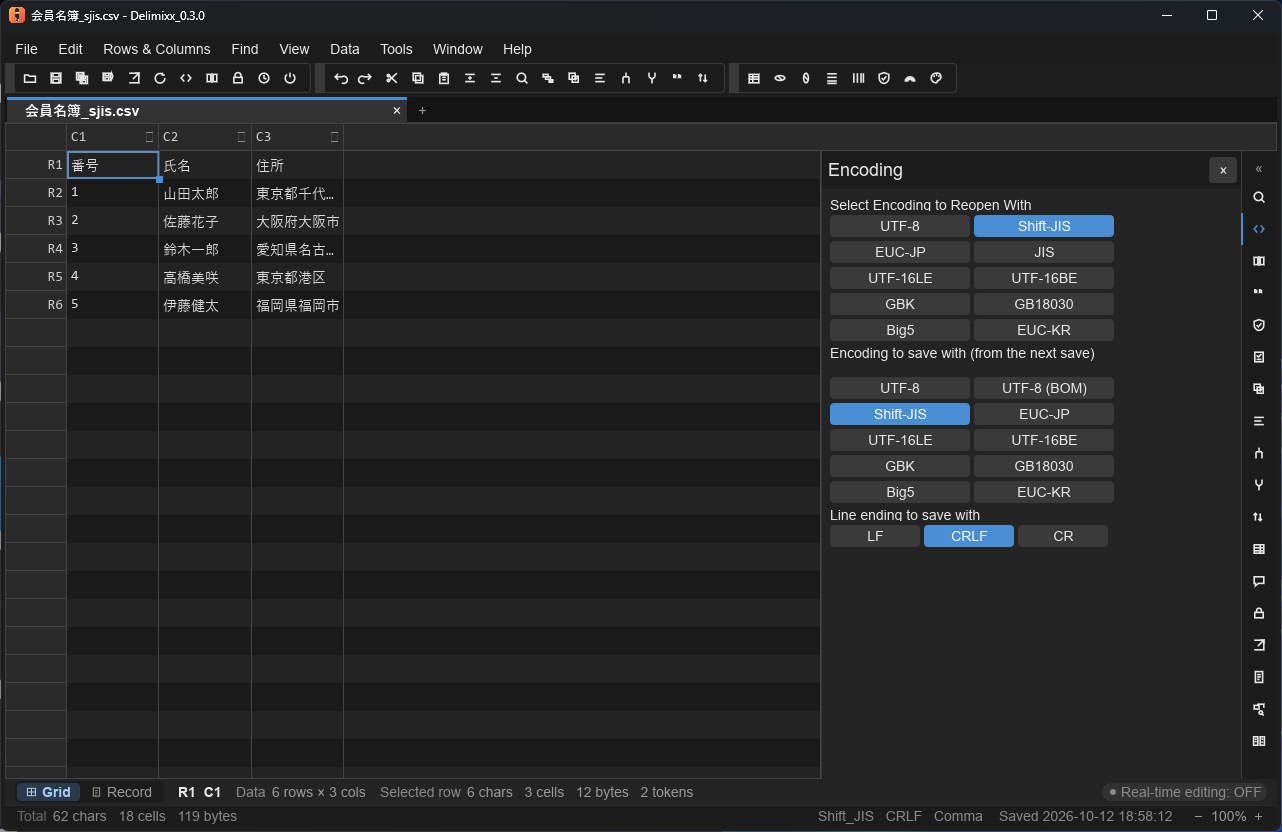
Reads and writes UTF-8 (with or without BOM), UTF-16, Shift-JIS, EUC-JP and JIS, with automatic detection and a way to reopen with a chosen encoding.
A backup before every save
Before an existing file is overwritten, a backup is written next to it (on by default; you can turn it off). If a backup cannot be written, you get a warning and the save goes on. You choose how many generations to keep.
Local only
Your files and your usage never leave your computer. Free makes no connection unless you turn on the update check, and even then it only tells you about a newer version. The connections Pro uses are described in the Privacy Policy.
Made for working with real data
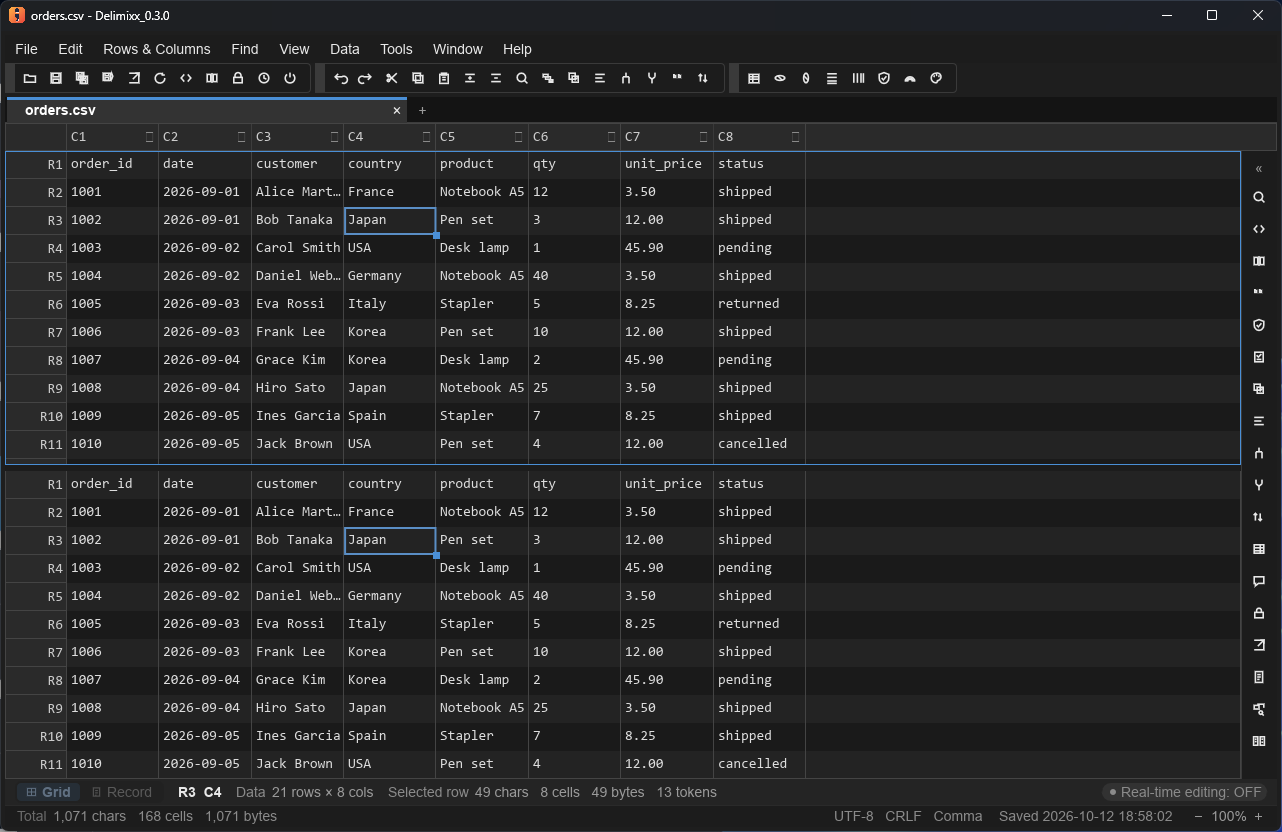
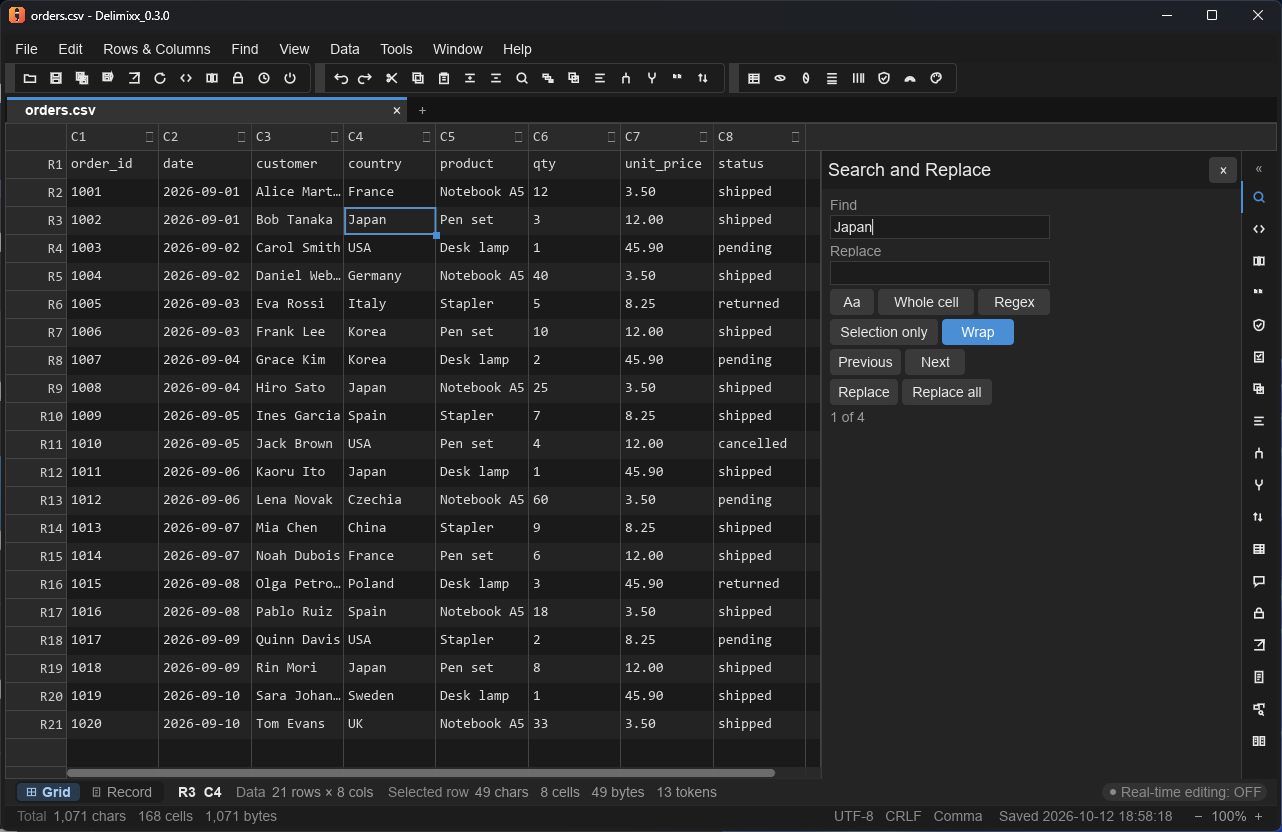
Fast grid editing, with the tools you reach for when a file arrives from somewhere else.
Free to start, Pro when you need more
Delimixx Free covers everything above: editing, encodings, backups, search, sort, filter and more. Pro adds multi-condition sorting, regular expressions, duplicate detection, validation rules, file comparison, masking export and other tools for heavier data work.
The interface is available in English and Japanese. It starts in English, and you can switch to 日本語 on the welcome notice or in the settings. Windows only; there are no macOS or Linux builds.